
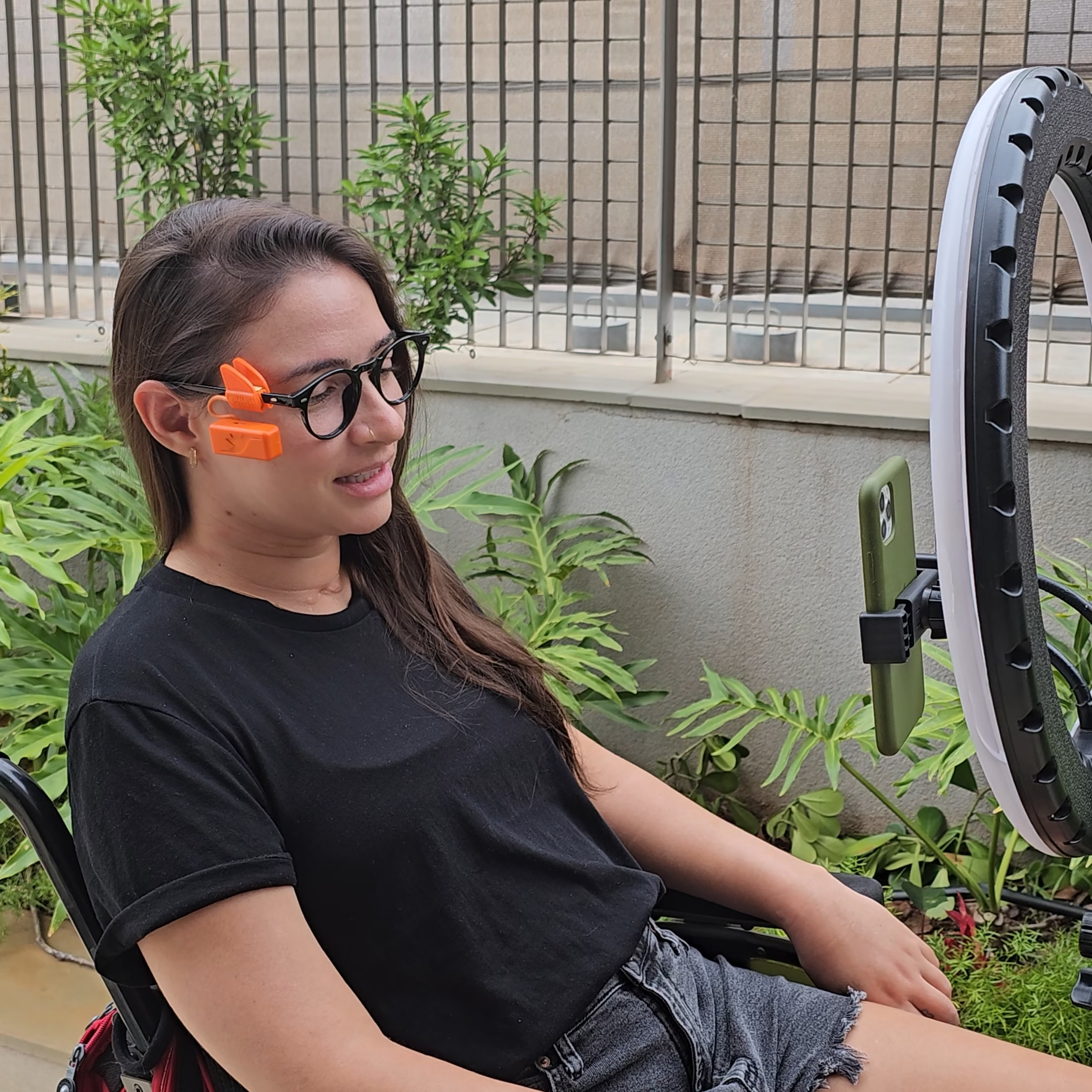
- Put the Colibri glasses on your face and press and release the power button. Keep your head centered in the resting position until the indicator light turns green, confirming that the Colibri is connected and ready for use.
- Move your head and check if the mouse pointer moves on the screen as you move. It may take a few seconds for the pointer to start moving.
- If your Colibri is set to automatic clicking, keep the pointer completely still for about 1 second over the place where you want to click, and the mouse click will happen automatically.
- If your Colibri is set to facial clicking, try blinking firmly or smiling so that your cheek comes close to the Colibri. If the position is correct, you will hear a beep and the mouse will click on the screen.
Cursor movement
DON’T WORRY!
Not everyone uses the Colibri exactly as it comes from the factory.
If you have difficulty controlling your cell phone or computer with Colibri, don’t worry. We know that each person has particular head movement characteristics, depending on the diagnosis.
Therefore, several features of the Colibri camera, from sensitivity to the way it clicks, can be meticulously customized to adapt to your movement conditions. All of this is done through the My Colibri app (more details below). But before you try to change the settings yourself, we recommend contacting us on WhatsApp to help you configure your camera until it’s perfect for you.

