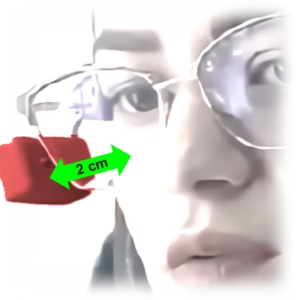
Colibri’s default setting uses Auto-Click, which is timed and occurs when the cursor remains completely still for one second. This setting facilitates initial contact and learning for basic tasks such as opening applications, taking selfies, and browsing the internet, but it can be limiting for advanced users seeking to perform more complex activities, such as dragging icons or editing images.
Facial Click is activated by small facial gestures captured by an infrared sensor in Colibri. Depending on the device’s position relative to the face, Colibri can click the mouse when it detects smiles, cheek puffing, blinking, eyebrow furrowing, lip movements, jaw movement, or contractions of other facial muscles.